Security Services · Updated November 8, 2026

Phishing Takedown Service: How Phishing Sites and Scam Emails Actually Get Shut Down

A phishing takedown service finds the companies that keep a phishing site or scam email running (the domain registrar, the web host, the email provider) and sends each one an evidence-backed abuse report until the scam goes offline. This guide explains every step, how long removal really takes, why some scams stay up, and what it costs. If you just want it handled, our phishing takedown service starts at C$29 a month or C$49 per case.


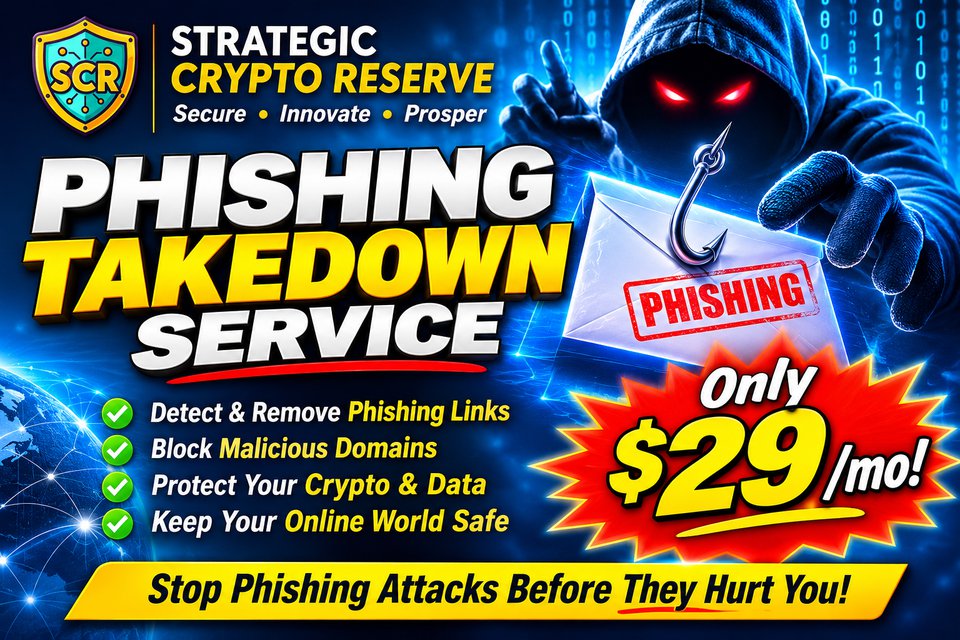
Phishing takedown service banner from Strategic Crypto Reserve: a hooded scammer holds a hooked phishing email, from $29 a month

Phishing takedown

from C$29

Prices in Canadian dollars, taxes extra. Single case C$49, monthly plan C$29 for up to 5 cases.

$SCRPolygon $— Connecting to Polygon…

Quick answers (updated November 8, 2026)

What is a phishing takedown service? A service that traces a phishing website or scam email to the companies that host, register and send it, then files abuse reports with each of them so they remove it.

Who can actually take a phishing site down? Only the domain registrar, the web host or the email/cloud provider. Police and government reporting centres collect reports but rarely remove sites themselves.

How long does a takedown take? Responsive hosts and registrars often act within hours to a couple of days. Offshore or uncooperative providers can take longer or ignore reports, which is why follow-up matters.

How much does it cost? Our phishing takedown service is C$49 for a single case or C$29 a month for up to 5 cases. Enterprise brand-protection contracts usually cost far more.

What Is a Phishing Takedown Service?

Every phishing attack depends on infrastructure somebody else owns. The fake login page sits on a web host. Its domain name was sold by a registrar. The email that delivered it went out through a mail server or cloud provider. Each of those companies has an abuse policy that bans phishing, and each can switch its piece off.

A phishing takedown service does the detective work and the paperwork: it reads the email headers and the link, works out exactly which companies are involved, and sends each of them a complete report with the evidence they need to act. It also submits the link to browser blocklists so people get a warning before the page loads, and to anti-phishing groups that share the data with security vendors.

Reporting a scam to a government form is useful for statistics, but it rarely makes the site disappear. A takedown goes to the people with the off switch.
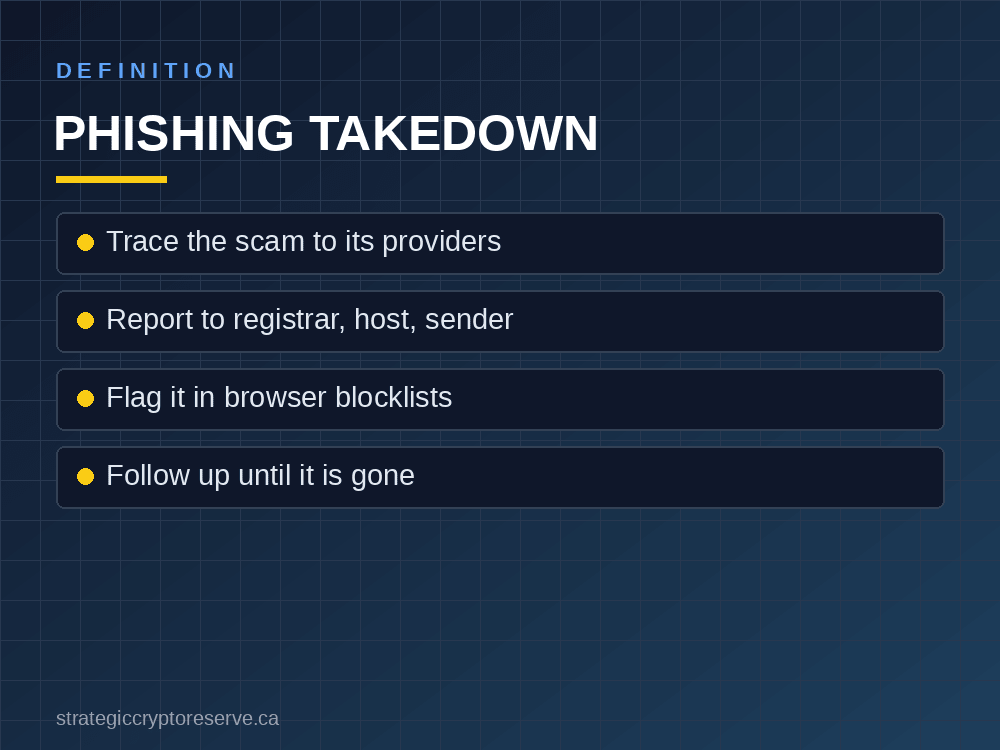
Phishing takedown service definition: trace the scam, report it to the registrar, host and sender, flag it, follow up

How a Phishing Takedown Works, Step by Step

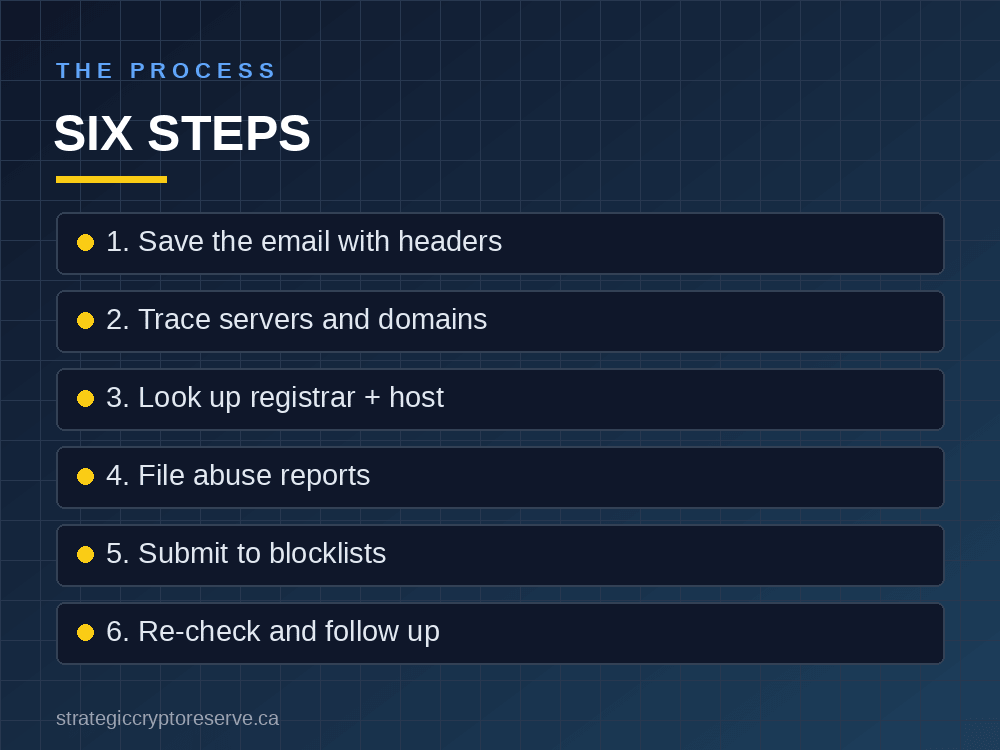
  1. Preserve the evidence. Save the scam email as a raw .eml file so the full headers survive. A forwarded copy loses the sending server details.
  2. Trace the sender. The Received headers show which server actually sent the message and from which IP address. Display names and "From" addresses are easy to fake; the server hop is not.
  3. Identify the providers. A WHOIS or ICANN Lookup search on each domain shows the registrar and when the domain was created (phishing domains are often days or weeks old). An IP lookup shows the hosting or cloud company. If a site sits behind a CDN such as Cloudflare, the CDN forwards abuse reports to the real host.
  4. File abuse reports. Each report goes to the provider's abuse desk with the link, timestamps, the raw message and a plain explanation of why it is phishing. Complete reports get acted on; vague ones get ignored.
  5. Warn browsers and the industry. Submitting the URL to Google Safe Browsing gets Chrome, Firefox and Safari users a red warning page. The Anti-Phishing Working Group shares reports with security companies, and in Canada the Spam Reporting Centre and the Canadian Anti-Fraud Centre collect evidence for investigators.
  6. Follow up. Re-check the link after a few days. If it is still live, escalate to the next provider in the chain.

Our phishing takedown service runs this exact process and sends you a PDF case report listing what was found, who it was reported to and whether the scam was still online after 7 days.

Six steps of a phishing takedown: save the email, trace the servers, look up registrar and host, report, blocklist, follow up

Do It Yourself or Use a Phishing Takedown Service?

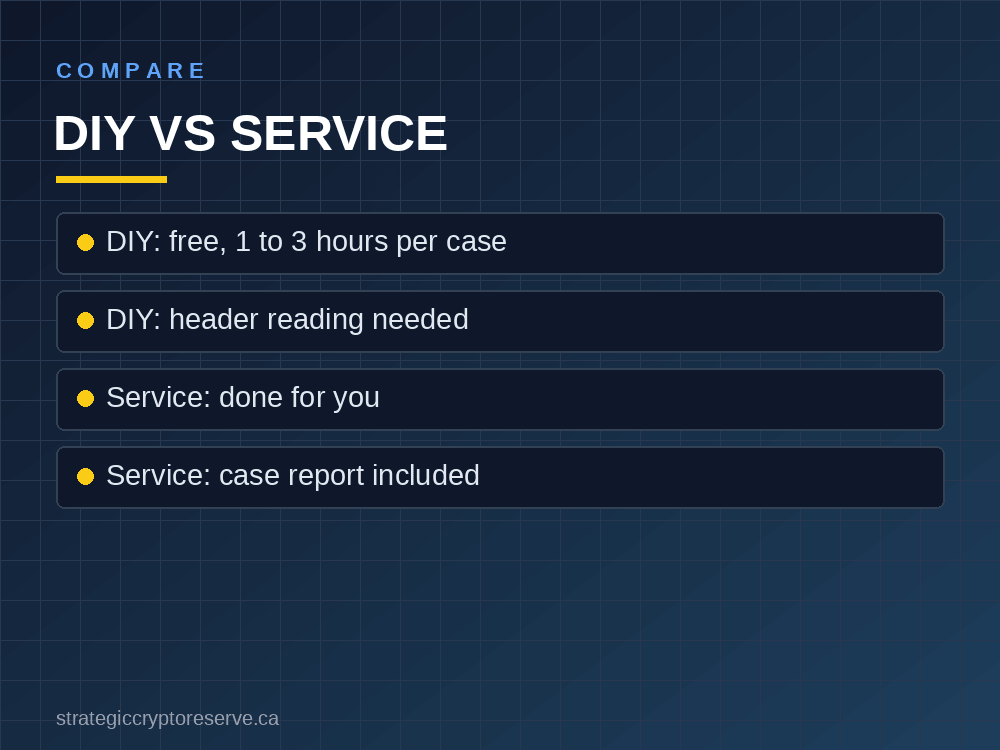
You can take down a phishing site yourself. Our own guide to reporting a scam website walks through it. Here is the honest trade-off:

Do it yourselfTakedown service
CostFreeC$49 per case, or C$29/month for up to 5
TimeOften 1 to 3 hours per scamA few minutes to send the email
SkillsReading headers, WHOIS, IP lookupsNone
Reports filedUsually one or twoEvery desk that can act
RecordYour own notesPDF case report for your insurer, bank or police

If you get one scam a year, do it yourself. If your business, your customers or your crypto wallet keep getting targeted, a service saves hours and files more complete reports.

Comparison of doing a phishing takedown yourself versus using a phishing takedown service

How Long Does a Phishing Takedown Take?

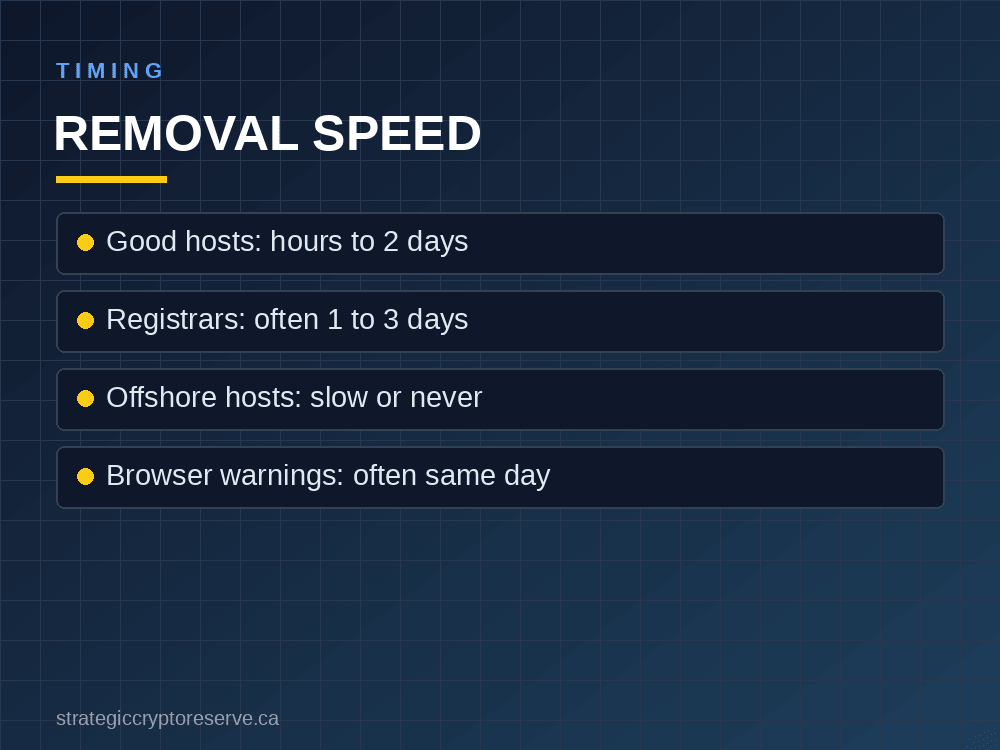
There is no single answer, because every provider runs its own abuse desk. Large, reputable hosts, cloud providers and registrars often act within hours to a couple of days on a clear phishing report. Smaller or offshore companies can take a week, and a few "bulletproof" hosts ignore reports entirely.

That is why a good takedown hits several layers at once. If the host is slow, the registrar can suspend the domain. If both are slow, a browser blocklist entry still protects most visitors. And because scammers rotate domains, removing the sending account or server often matters as much as removing the page.

No honest takedown service can guarantee removal. Only the provider can switch off its own service. What a service can guarantee is complete reports to every desk with the power to act, and follow-up.

How long a phishing takedown takes: hosts, registrars, offshore providers and browser warnings

Real Phishing Takedown Examples

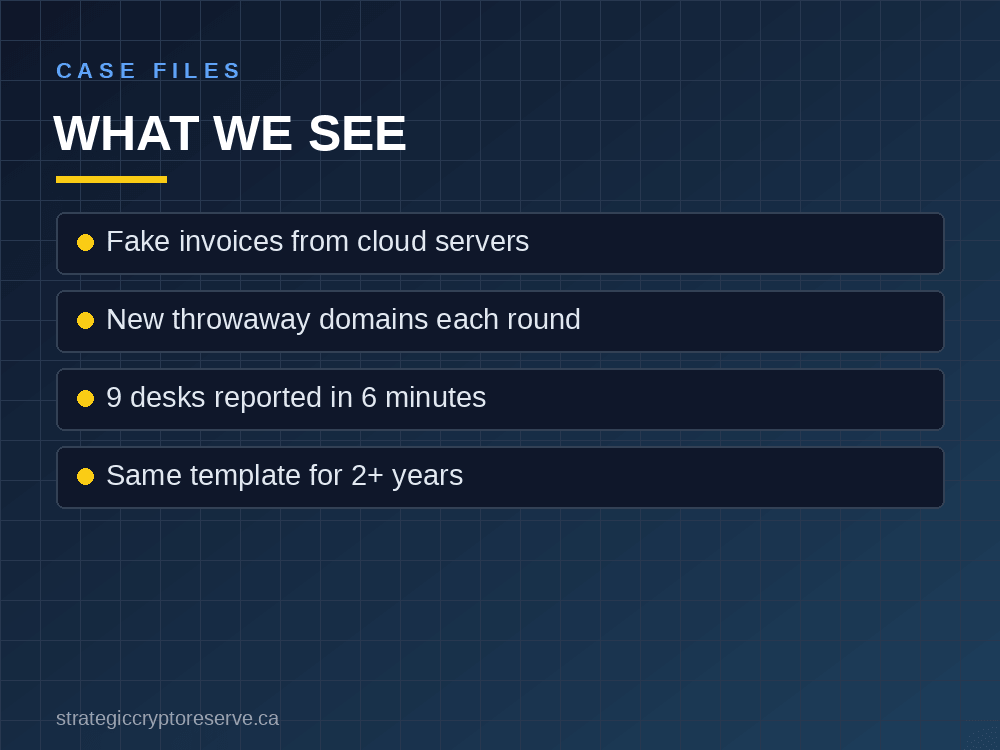
Fake invoice, 31 October 2026. A fake-invoice phishing email was traced and reported to 9 organisations in 6 minutes: the registrar, the host, the sending provider and the anti-spam centres. You can read the redacted sample takedown case report (PDF) to see exactly what a client receives.

A fake domain-renewal operation, 2024 to 2026. One operation we track has sent the same "your domain is SUSPENDED, invoice OVERDUE" template 11 times since April 2024. Every round uses a brand-new throwaway domain on a fresh rented cloud server, with the payment page on a second domain behind a CDN. Blocking one sender does nothing; reporting the cloud account, both domains to their registrar and the CDN together is what costs the operator money each round.

The lesson from both: phishing is an industry with repeat players. Reporting the infrastructure, not just deleting the email, is how it gets more expensive to run.

Real phishing takedown examples: fake invoices, throwaway domains and recurring templates

Who Needs a Phishing Takedown Service?

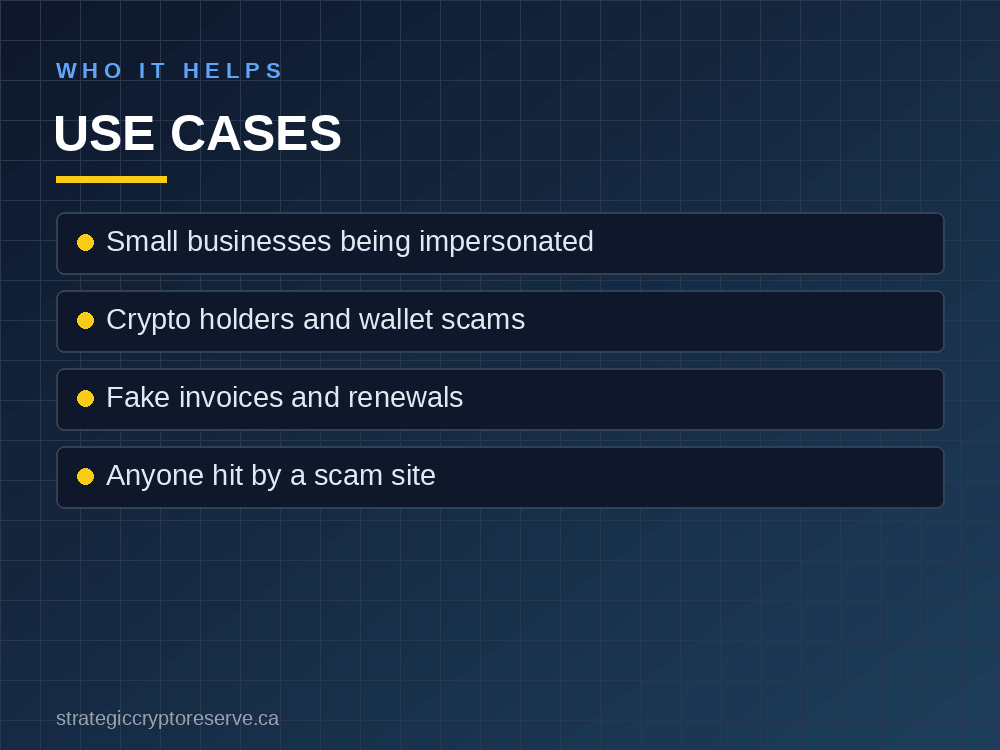
  • Small businesses whose name, logo or domain is copied in fake emails to their customers. Every day the copy stays up, more customers get hooked and blame the real company.
  • Crypto holders targeted by fake exchanges, wallet "verification" pages and drainer links. Crypto phishing pages are built to empty a wallet in one click, so speed matters.
  • Offices that keep receiving fake invoices, fake domain renewals and fake account-suspension notices.
  • Individuals who received a scam and want it reported properly instead of just deleted.

Not sure whether a link is a scam at all? Run it through our free scam website checker first.

Who needs a phishing takedown service: small businesses, crypto holders, fake invoice victims and individuals

How to Save a Phishing Email for a Takedown

The most useful thing you can give any takedown team is the original message with full headers:

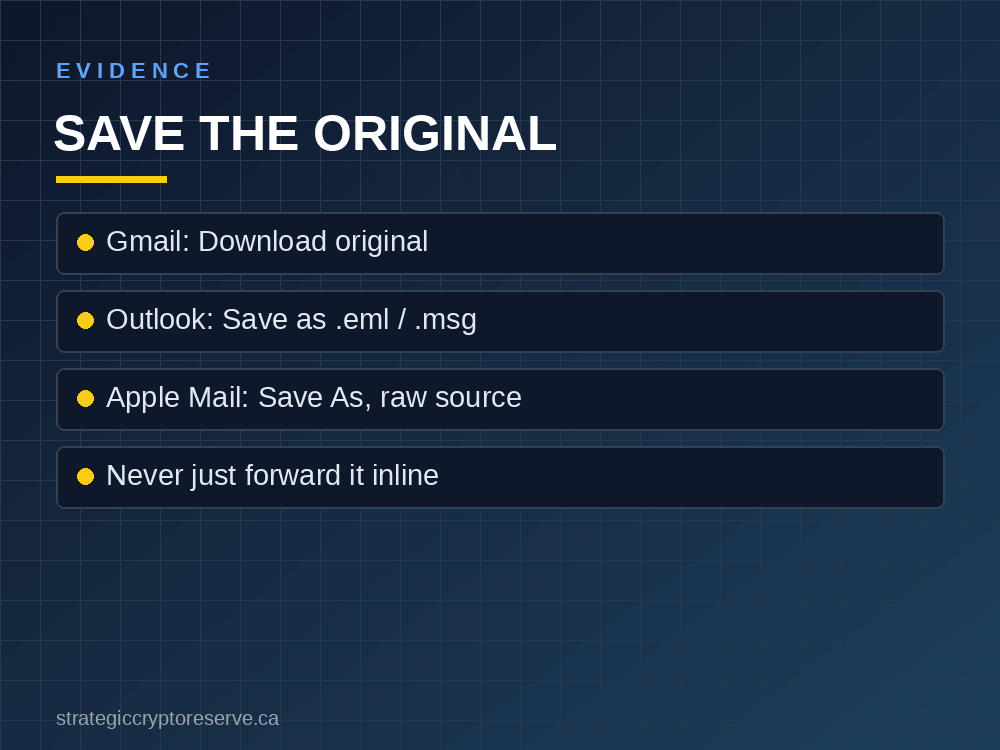
  • Gmail: open the email, click the three-dot menu, choose Download message (or Show original, then Download Original).
  • Outlook: drag the email to your desktop or use File > Save As to save a .eml or .msg file.
  • Apple Mail: select the email and use File > Save As with the format set to Raw Message Source.

Attach that file to a new email. For a website, send the full link, but don't open it again. Full steps for our service are on the how to send us a scam email section.

How to save a phishing email with full headers in Gmail, Outlook and Apple Mail

What Does a Phishing Takedown Service Cost?

Enterprise brand-protection companies sell phishing takedown to large brands on annual contracts that usually run far beyond what a small business or an individual can justify. We built ours for everyone else:

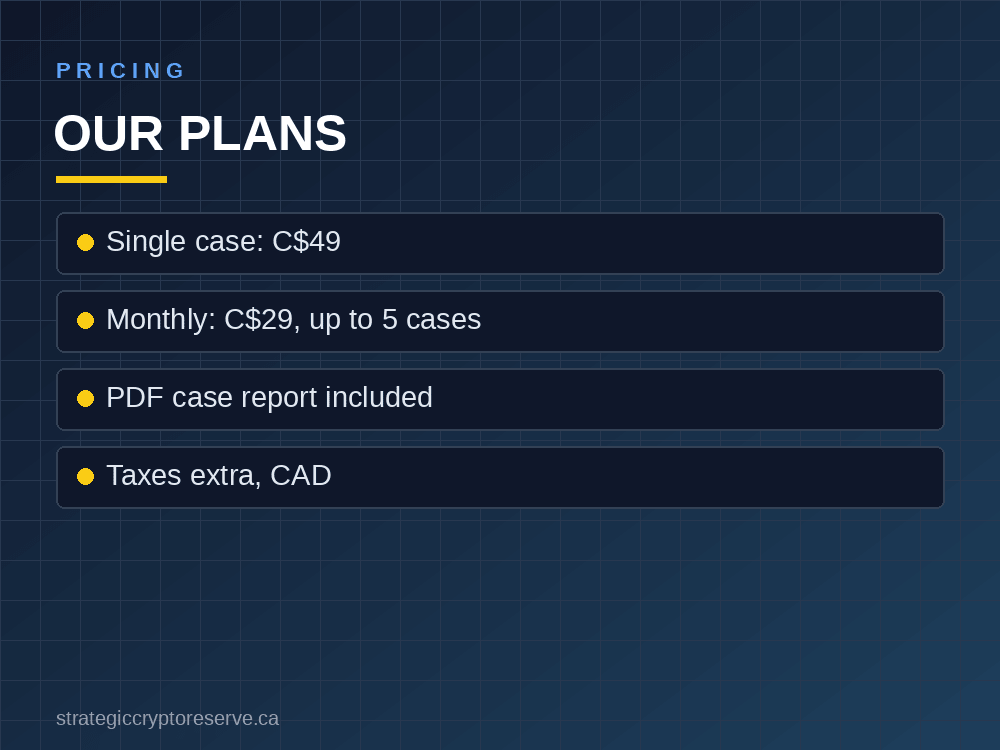
  • Single case, C$49: one scam email or website investigated, reported to every desk that can act, one round of follow-up and a PDF case report.
  • Monthly plan, C$29: everything in a single case, up to 5 cases a month, for offices that get hit regularly.

Prices are in Canadian dollars and exclude applicable taxes. Full terms, refunds and the checkout are on the phishing takedown service page.

Phishing takedown service pricing: single case C$49, monthly plan C$29 for up to 5 cases

Get a Phishing Site Taken Down Today

Send us the scam email or link. We trace it, report it to every provider that can remove it, follow up and send you a case report.

Stop the scam at the source. Single case C$49, or C$29 a month for up to 5 cases.

Start a Phishing Takedown

Strategic Crypto Reserve also builds tools for AI and crypto infrastructure buyers: price a GPU build by province or state with the AI Build Configurator.

Phishing Takedown Service

Buy a case or a monthly plan and send us the scam. We handle the reports and follow-up.

Read it →

Free Scam Website Checker

Check a suspicious link before you click it.

Read it →

Sample Case Report

See what a finished takedown report looks like (redacted PDF).

Read it →

AI Build Configurator

Price an AI or GPU build by state or province. Free demo.

Try the free demo →

Phishing Takedown Service FAQ

1. What is a phishing takedown service?

A phishing takedown service traces a phishing website or scam email to the companies that register, host and send it, and files evidence-backed abuse reports with each of them so they remove it. It also reports the link to browser blocklists and anti-phishing groups.

2. Can you guarantee a phishing site will be taken down?

No. Only the registrar, host or email provider can remove its own service, and each decides on its own. A takedown service guarantees complete reports to every provider that can act, plus follow-up, which is what gets most phishing pages removed.

3. How long does a phishing takedown take?

Reputable hosts and registrars often act within hours to a couple of days. Offshore or uncooperative providers can take a week or longer, so reports go to several layers at once and browser blocklists warn visitors in the meantime.

4. How much does a phishing takedown service cost?

Strategic Crypto Reserve charges C$49 for a single case or C$29 a month for up to 5 cases, in Canadian dollars plus applicable taxes. Enterprise brand-protection contracts usually cost far more.

5. Can I take down a phishing website myself?

Yes. Look up the domain registrar with WHOIS or ICANN Lookup, find the web host from the IP address, report the site to both abuse desks with evidence, and submit it to Google Safe Browsing. It typically takes one to three hours per scam.

6. What do I need to send for a phishing takedown?

The original scam email saved as an .eml file with full headers, or the full link for a scam website. A forwarded copy loses the sending server details that providers need.

7. Does a phishing takedown service work in Canada and the US?

Yes. Providers are contacted wherever they are based, and reports also go to the Canadian Spam Reporting Centre and the Anti-Phishing Working Group. Our service is offered in Canada and the United States.