
- Set up a MetaMask wallet. Download MetaMask as a browser extension (Chrome, Firefox, Brave) or mobile app (iOS, Android). Create a new wallet. Write your 12-word seed phrase on paper and store it somewhere offline and safe. Never share this phrase with anyone.
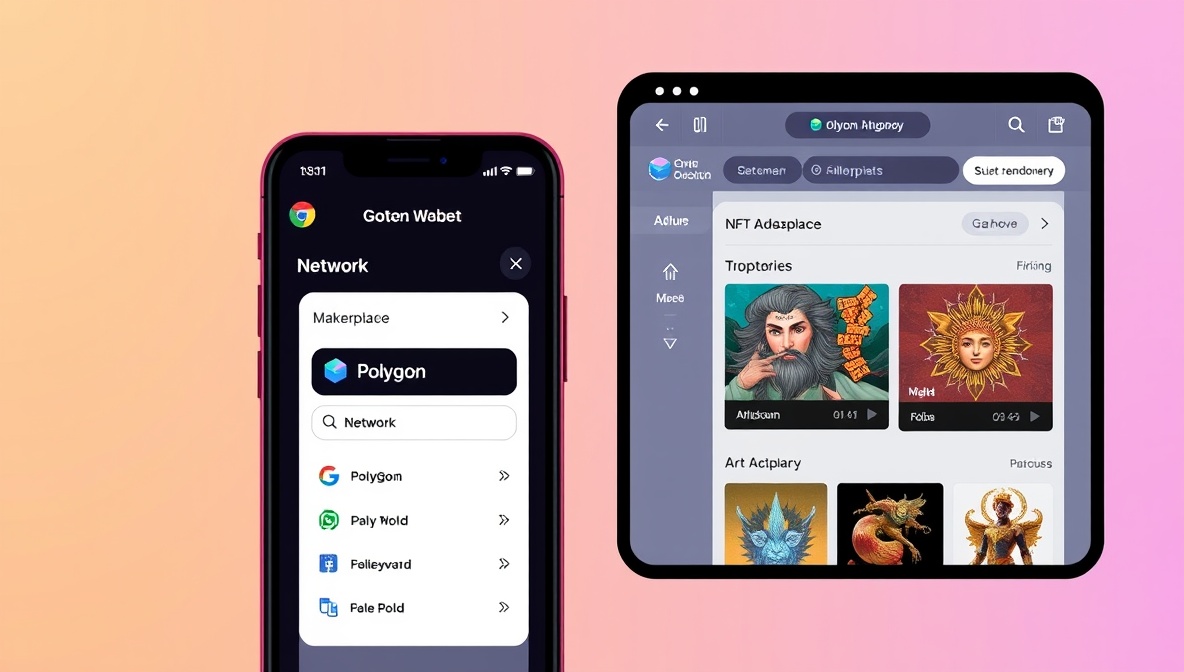
- Add the Polygon network to MetaMask. Open MetaMask → click the network dropdown (it shows "Ethereum Mainnet" by default) → Add Network → Search for "Polygon Mainnet" or enter manually: Chain ID 137, RPC https://polygon-rpc.com, Currency Symbol POL. MetaMask may also prompt you to add Polygon automatically when you visit OpenSea.
- Choose a Canadian exchange to buy POL. NDAX (National Digital Asset Exchange), Bitbuy (now part of WonderFi), Newton, and Shakepay are the most commonly used Canadian-registered exchanges. All are registered with FINTRAC. POL (Polygon's native token) is listed on most of them — check the exchange directly for current availability since listings change.
- Complete KYC on the exchange. Canadian exchanges require identity verification under FINTRAC anti-money-laundering regulations. This typically means uploading a government-issued ID (driver's licence or passport) and sometimes a selfie. Processing takes minutes to a few days depending on the exchange.
- Fund your exchange account and buy POL. Transfer CAD via Interac e-Transfer or bank wire to your exchange account. Buy POL on the exchange. You need enough for your NFT purchase plus a small amount for gas fees (a few cents worth of POL at current prices).
- Withdraw POL to your MetaMask wallet. On the exchange, go to Withdraw → Crypto → select POL → enter your MetaMask wallet address (starts with 0x) → select the Polygon network (NOT Ethereum mainnet). Double-check the address before confirming. Withdrawals typically complete within minutes.
- Browse and buy NFTs on OpenSea. Go to opensea.io. Connect your MetaMask wallet when prompted. Switch your MetaMask to the Polygon network. Browse Polygon NFT collections. When you find an NFT to buy, click "Buy Now" — MetaMask will pop up with a transaction confirmation showing the price in POL and the gas fee (typically under $0.01).
NDAX
Calgary-based, FINTRAC-registered. Supports POL. Interac e-Transfer deposits. Competitive fees for CAD-to-crypto purchases. Strong Canadian customer support.
FINTRAC registeredBitbuy / WonderFi
One of Canada's largest registered exchanges. Now part of the WonderFi ecosystem. Supports POL trading. Interac e-Transfer and bank wire deposits. Mobile app and web interface.
FINTRAC registeredNewton
Canadian-registered, no-fee trading model. Spread-based pricing. Supports POL. Interac e-Transfer funded. Good for buyers who prefer a simpler interface without order books.
FINTRAC registeredImportant: Withdrawal Network
When withdrawing POL to MetaMask, always select the Polygon network on the exchange withdrawal screen. Sending POL on the Ethereum network sends a different token and may result in lost funds if your wallet isn't configured to receive it.
Check the networkBuying SCR NFTs specifically: Strategic Crypto Reserve's NFT collections are available on Polygon. The same process above applies: MetaMask funded with POL → OpenSea → search for Strategic Crypto Reserve collections. SCR NFTs are parody utility tokens — entertainment and community engagement, not financial instruments. See the NFT collection index and how $SCR tokens work before purchasing.